Plan before you buy
Is proactive messaging ready to become a managed growth channel?
The starting point is a permissioned audience, a useful message and a measurable next action—not the largest possible send volume.
Best-fit teams and scenarios
- Teams following up on opted-in leads across WhatsApp and supported social channels.
- Sales operations that need source, ownership and conversation history in one place.
- Managers who need templates, audience rules and human follow-up after AI qualification.
A practical rollout
- 1Define audience source, consent status, objective and suppression rules.
- 2Create one approved message path with a clear reply owner.
- 3Pilot a small segment and inspect delivery, replies, qualified leads and complaints.
- 4Scale only after account health and follow-up capacity remain stable.
Channels, data and integrations
- Supported WhatsApp and social accounts can share audience, source and conversation context.
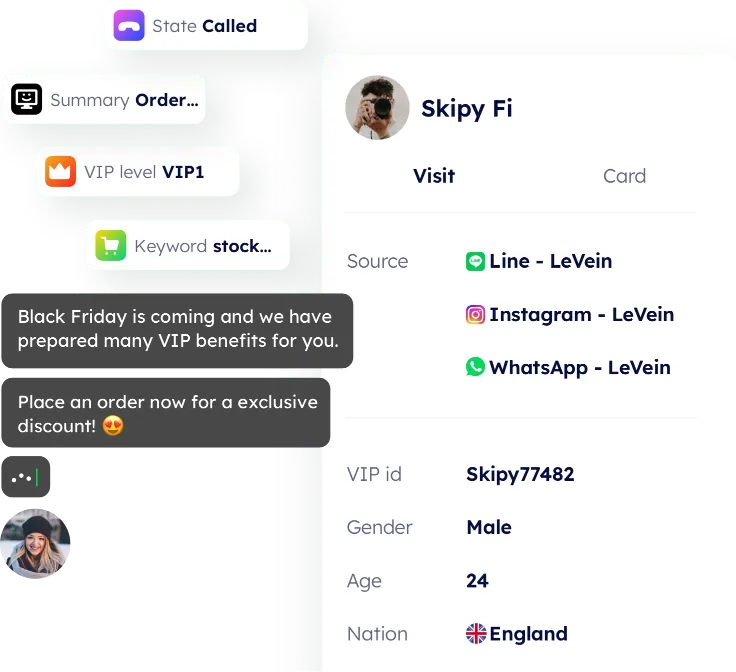
- Templates, segmentation, scheduling, AI qualification and human assignment work as one process.
- Confirm CRM audiences, consent fields and conversion readback before a production campaign.
What to confirm before launch
- Every platform controls messaging eligibility, templates, frequency and account enforcement.
- Imported contacts still require a lawful basis and appropriate consent.
- AI qualification should not make sensitive or irreversible decisions alone.
- Campaign reporting must reconcile clicks with qualified leads, registrations and payment—not just sends.
How to compare alternatives
Compare audience governance, source retention, reply ownership and downstream conversion readback. A bulk sender may deliver messages; a growth workflow must also protect account health and make every reply actionable.
A verifiable customer result
Mixdesk’s published crystal-accessories customer story explains how a large overseas sales team centralized WhatsApp accounts, protected customer data and standardized assignment. It reports response time moving from three minutes to five seconds and no missed WhatsApp messages during the measured rollout.
Read the full customer story →Questions to settle with your team
Can we import a contact list and send immediately?+
Technical import is not the only requirement. Confirm lawful source, consent, channel rules, suppression lists and reply ownership first.
How should AI and sales divide the work?+
Use AI for approved first response and qualification; route high-value, complex or sensitive conversations to a named salesperson with full context.
Which metric matters most?+
Track qualified replies and downstream registration, opportunity and payment by source. Delivery or click volume alone is not a business result.
Validate it with your own workflow
Use a small, permissioned segment to test source retention, reply ownership and qualified-lead readback before increasing volume.