Overview
Use the blocklist to prevent abusive or malicious visitors from starting new conversations. Remove an entry whenever you need to restore access.
Manage the blocklist
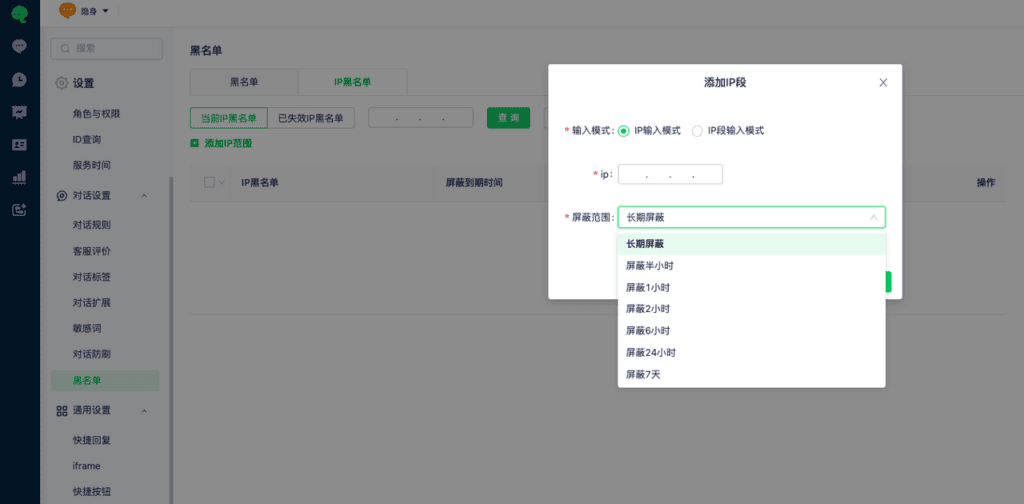
Visitor blocklist and IP blocklist entries are managed in Settings > Conversation Settings > Blocklist. Customize the blocking scope. Delete an entry to unblock it.