Overview
Use the left navigation in the Mixdesk workspace to update your avatar, email, password, workspace language, and navigation settings.
1. Update account information
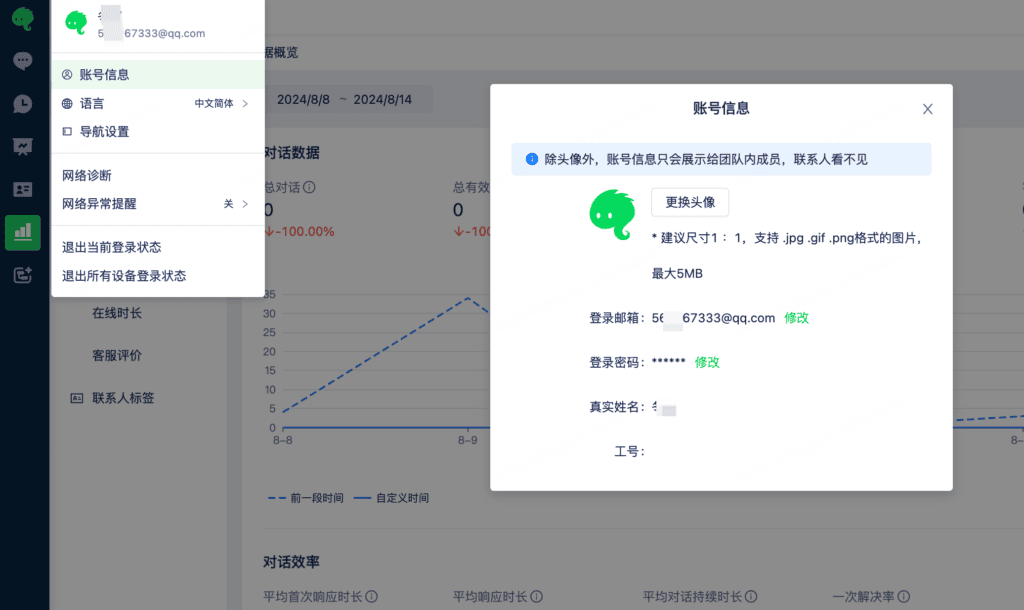
Select Account Information to change your avatar, login email, or password and view your real name and employee ID.
Except for your avatar, this information is visible only to your team.
To change your real name or employee ID, go to Settings—Team Management—Team Members and Groups and edit the details there.
2. Switch languages
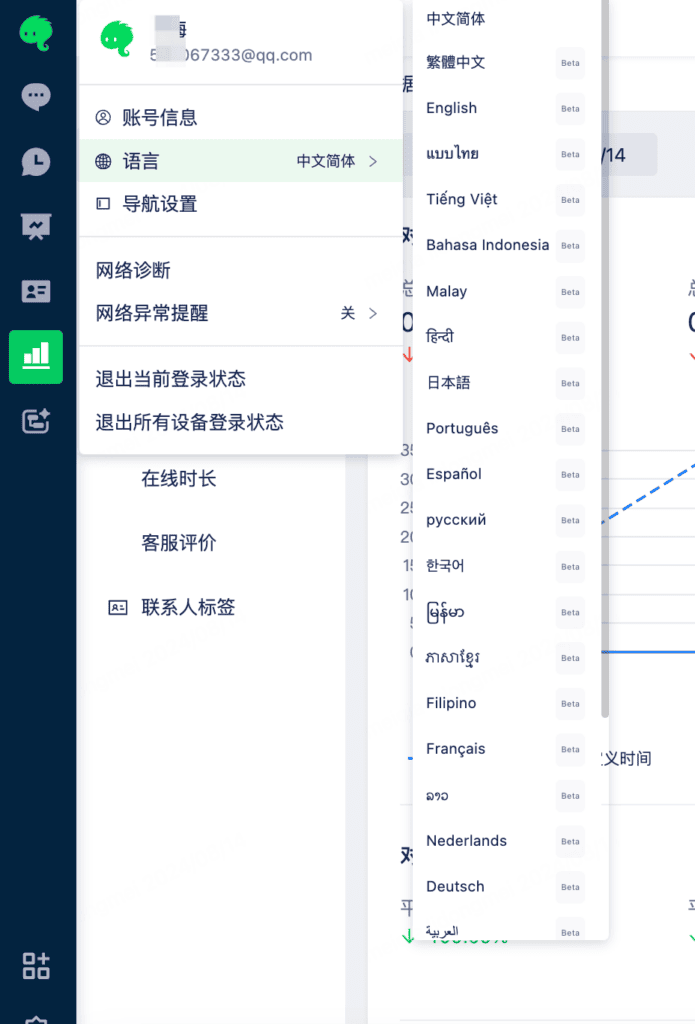
The Mixdesk workspace supports multiple languages. Select Language to switch between Chinese, English, French, Japanese, and dozens of other languages for international customer support.
3. Customize navigation
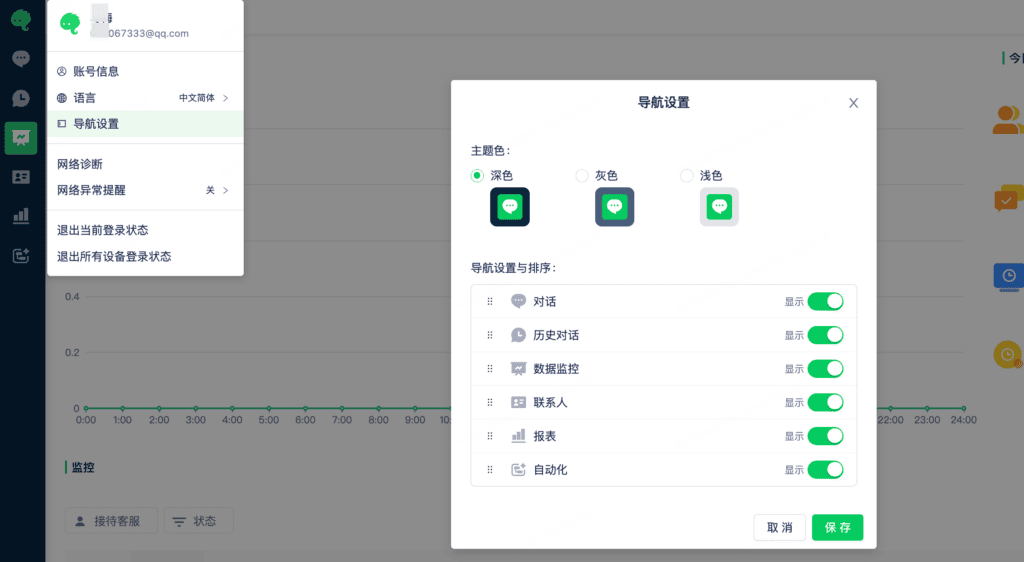
Select Navigation Settings to customize the left sidebar’s theme color and reorder its modules.
Drag items to reorder them to suit your workflow.
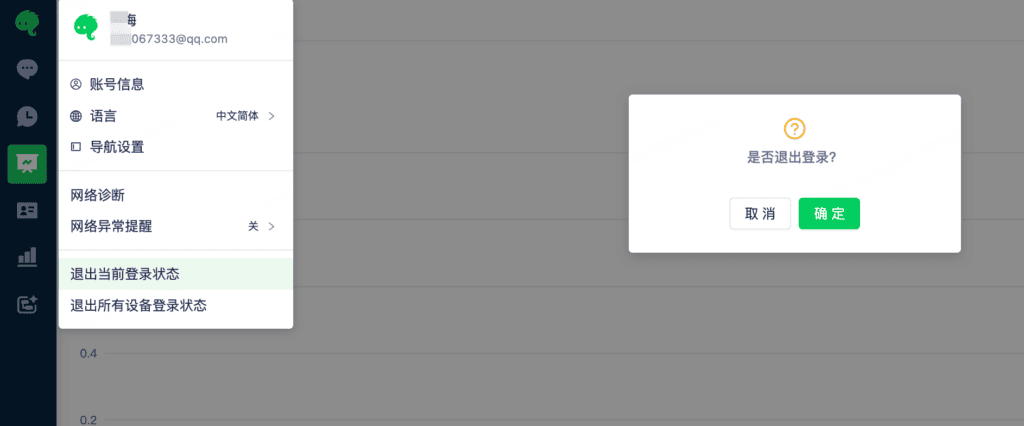
4. Sign out