Overview
Quick buttons give team members convenient access to information and actions while responding to customers. Configure them to make frequently used functions easier to find and reduce time spent navigating.
Configure quick buttons
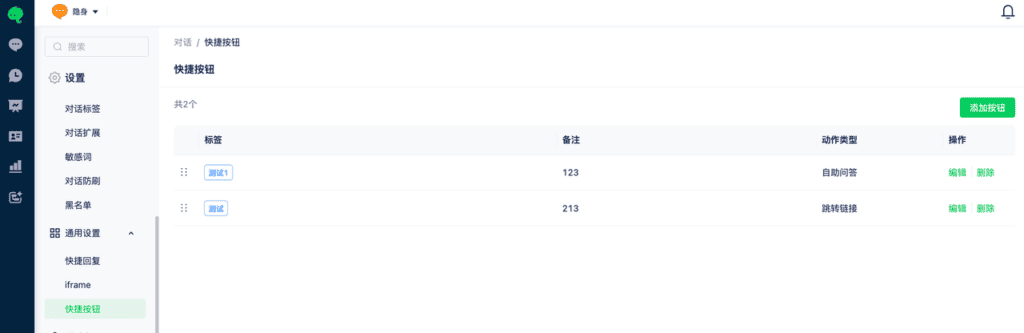
1. In the workspace, go to Settings > General Settings > Quick Buttons to open button management.
2. Select Add Button to open the configuration page.
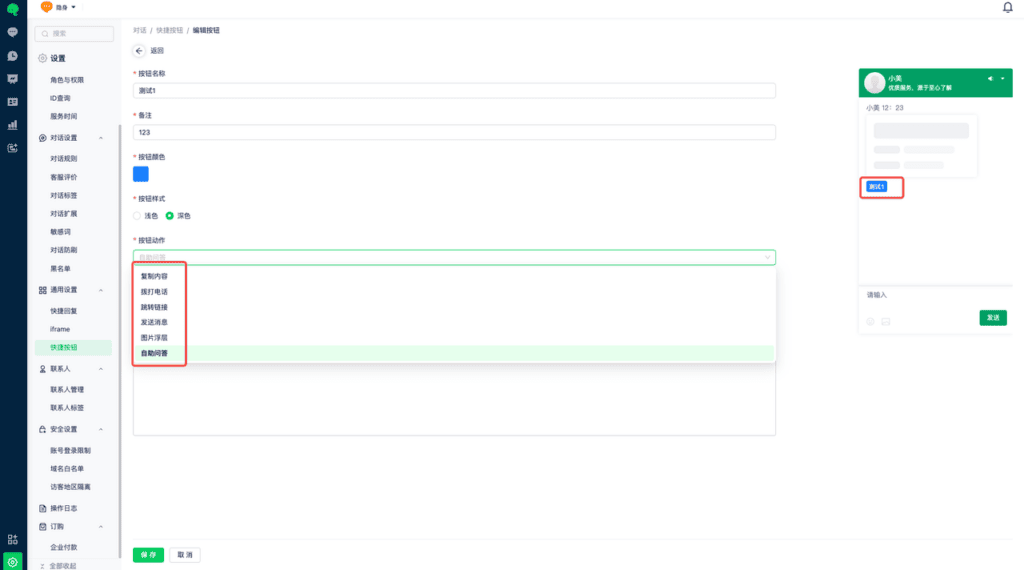
3. Customize the name, color, and type. A preview appears on the right.