
Overview
Go to Settings > Conversation Settings > Restricted Words to configure restricted words for contacts and team members. Define words or phrases to help keep conversations appropriate and consistent with your company’s policies.
1. Restricted words for contacts
After configuring restricted words for contacts, matching text in their messages is replaced with * and marked. Select Add Restricted Word to create an entry.
2. Restricted words for team members
After configuring restricted words for team members, messages containing matching words fail to send, are not delivered to the contact, and are marked.
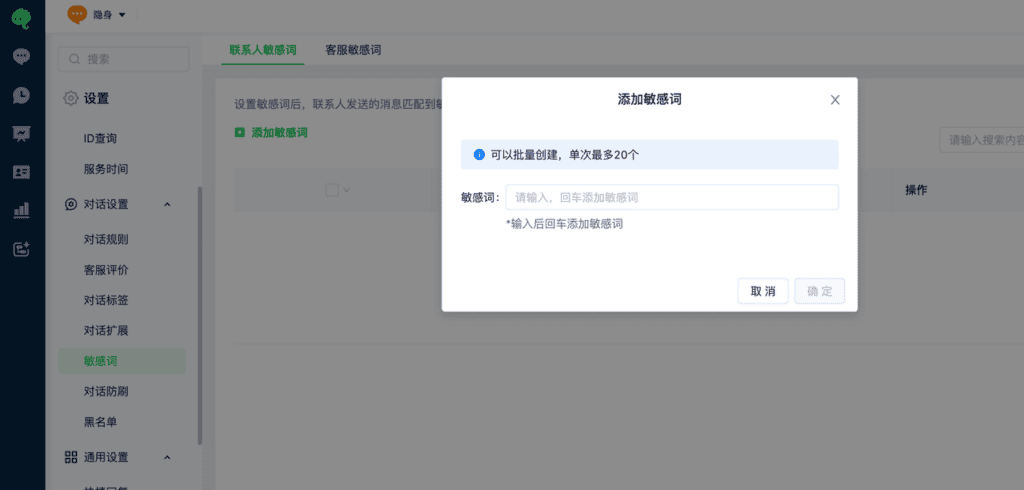
You can create restricted words in batches of up to 20 at a time.