
Overview
Review ended conversations in Conversation History. You can filter results and export data.
1. Filter conversations
Filter by user name, visitor identifier, conversation ID, start or end time, assigned team member, contact tags, region, phone number, message content, conversation tags, channel, traffic source, platform type, and rating. You can also choose whether to exclude invalid or transferred conversations. Select the filters that suit your needs.
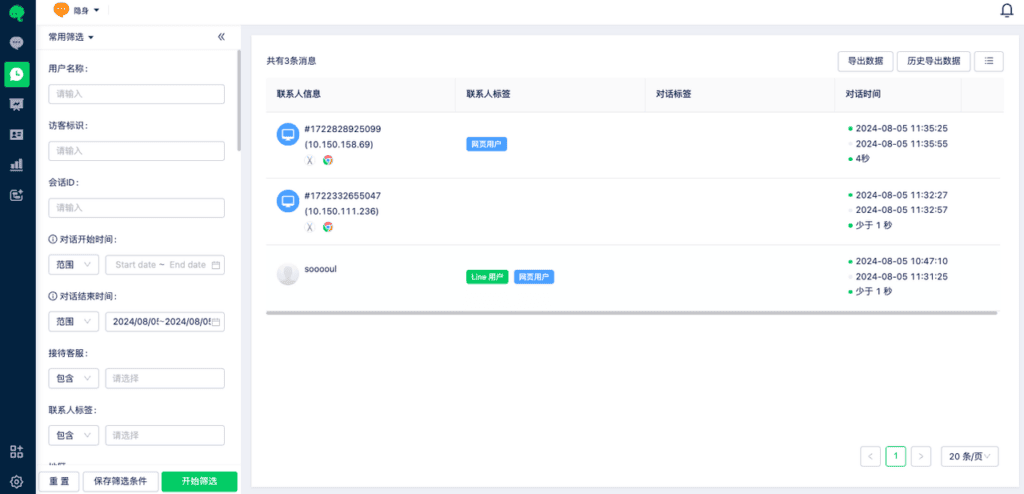
Select Save Filters below to save frequently used filter combinations.
When filtering by conversation start or end time, only conversations from the most recent six months are available.
2. Customize the list
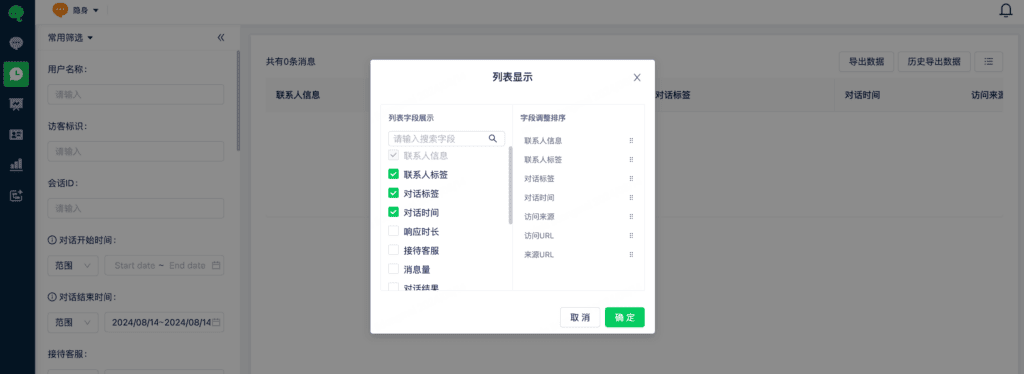
List Display lets you choose which fields appear in the results and change their order.
3. Export data
After filtering, select Export Data to export the results. Select Export History to review previous exports.
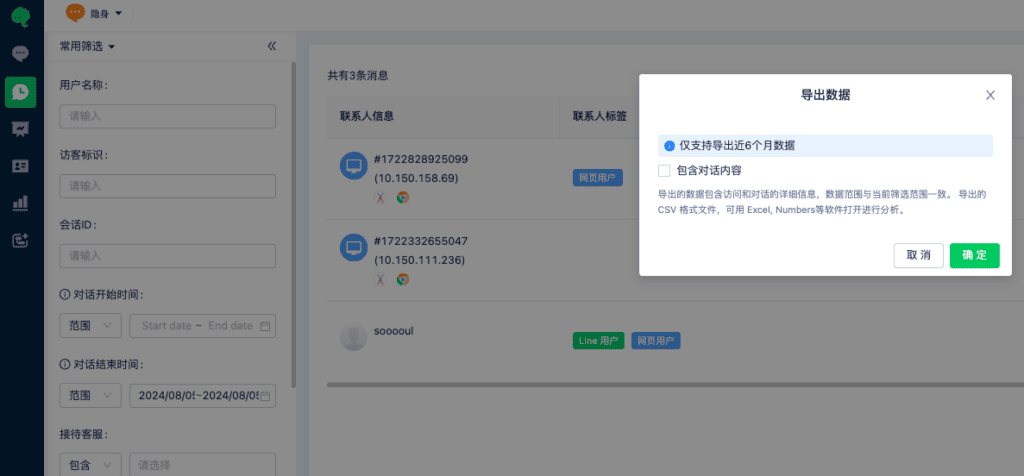
Only data from the most recent six months can be exported.