Overview
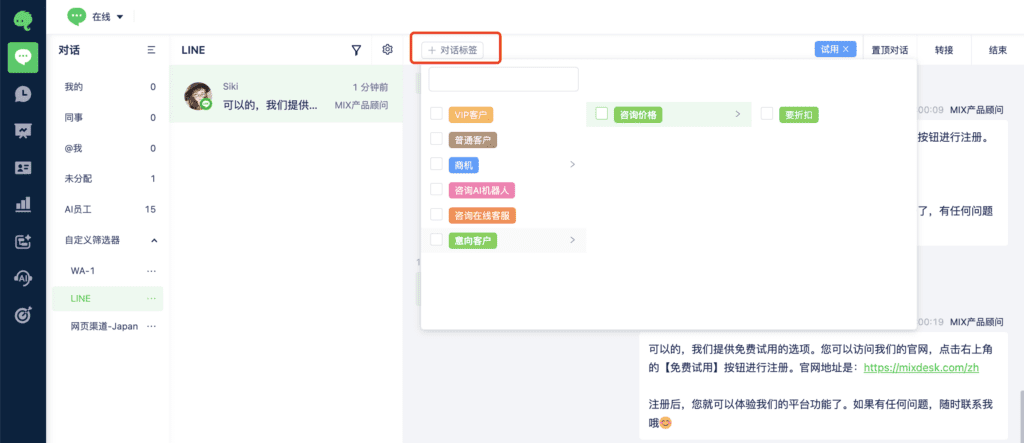
Use Conversation Tags to label and organize individual conversations for later review and analysis, and help your team provide more personalized support.
Configure conversation tags
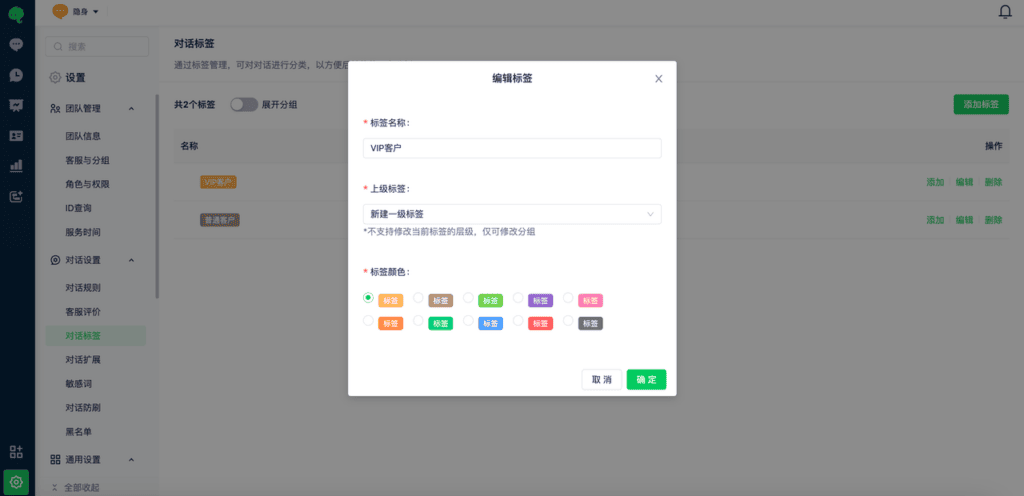
Go to Settings > Conversation Settings > Conversation Tags to view and edit existing tags, or add new tags.
In the upper-right corner, select Add Tag and enter the tag name, parent tag, and color.
Conversation tags support up to three levels. Organize them to suit your business.
Add tags to a conversation
After tags are configured, team members can add the appropriate tags during a conversation.