Overview
Go to Settings > Contacts to manage contact information. Contact details appear in the right sidebar of a conversation, where team members can review visitor information and interactions to provide more relevant support.
1. Manage contact fields
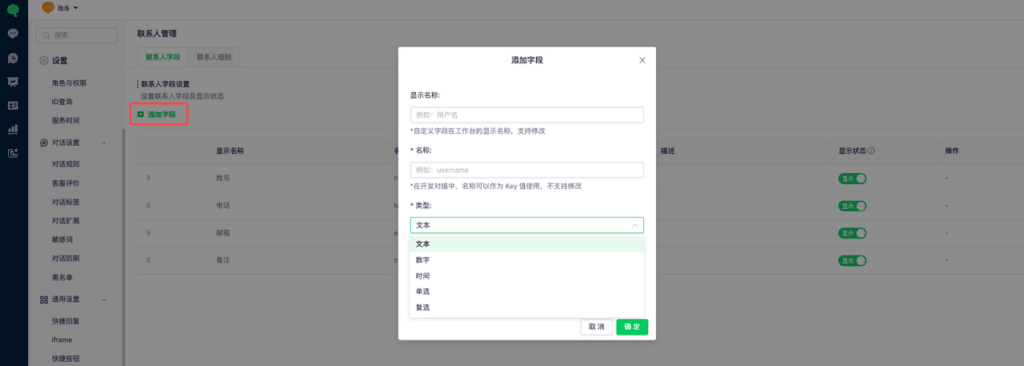
In contact management, review existing fields and show or hide them. Select Add Field to create a field.
2. Contact tags
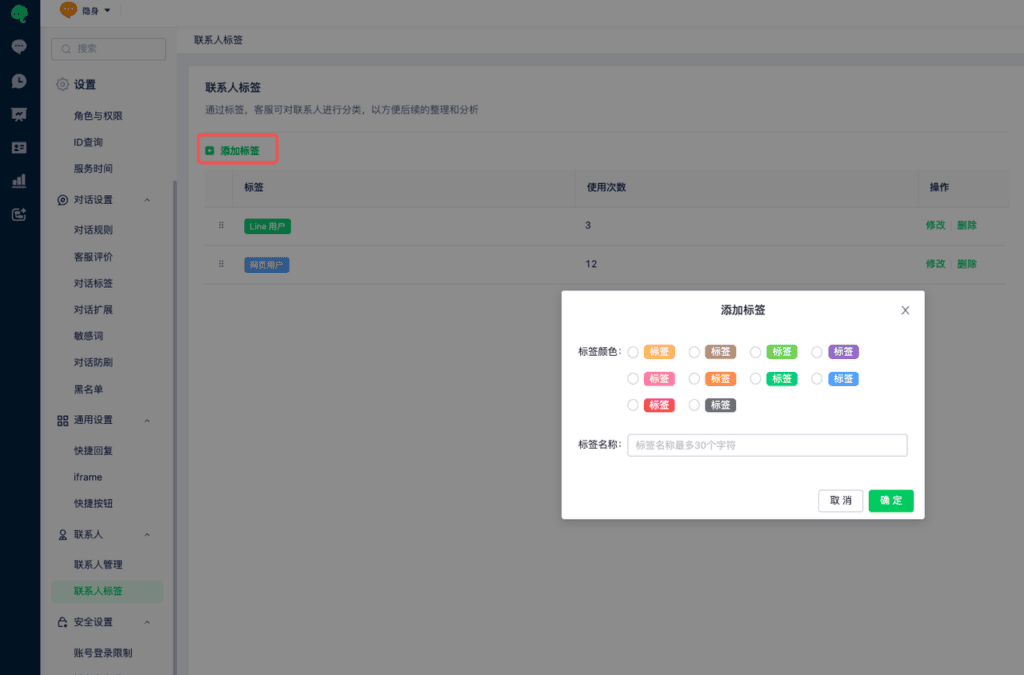
Contact tags belong to the visitor. All conversations with the same visitor display the same contact tags.
You can add multiple tags to the same visitor for more detailed organization.